

Responsive is strongest for organizations that treat security questionnaires as part of a larger response operations motion spanning RFPs, sales questionnaires, proposals, and knowledge reuse. Security questionnaire managers should test whether Responsive AI agents and TRACE Score create practical governance or simply add another confidence layer that still requires manual validation.
Independent reviewReviewed Jun 2026
Is Responsive right for your team?
Responsive helps teams manage RFPs, proposals, security questionnaires, approved content, and AI-assisted drafting.
Best forResponse teams managing RFPs, proposals, and security questionnaires in one platform.
Main usersProposal / response operations
Sources reviewed5
Broad response-management platform with explicit security questionnaire use case.
Research inputs reviewed for this profile.
Structured integration coverage represented in this profile.
Features, workflow steps, and newer capabilities represented in this profile.
Where Responsive is strongest
These scores reflect the materials reviewed for this page. Use them to plan your demo, not as a product rating.
01
AI answer support
Published support for drafting, checking, and approving answers.
02
Process coverage
Published support for intake, routing, review, approval, and reuse.
03
Integrations
Published CRM, collaboration, document, API, and knowledge connections.
Source coverageAmount of public product information available for review.
5/10
AI answer supportPublished support for drafting, checking, and approving answers.
9/10
Process coveragePublished support for intake, routing, review, approval, and reuse.
9/10
Portal supportSupport for customer portals and nonstandard questionnaire formats.
3/10
Trust centerDocument sharing, access controls, and customer self-service.
4/10
IntegrationsPublished CRM, collaboration, document, API, and knowledge connections.
8/10
Enterprise controlsPublished SSO, roles, audit, and rollout controls.
7/10
Customer evidencePublished customer stories, product screenshots, and supporting sources.
6/10
Pricing and rollout at a glance
Edition-based subscription with quote-based pricing
Responsive publishes edition packaging and a Lite starting price of $5,000/year for 5 users, but buyers should still confirm final pricing, AI, TRACE Score, Agent Studio, Trust Center/Profile Center, integrations, API, and security questionnaire package restrictions.
Expect implementation around content-library migration, reviewer assignments, AI guardrails, templates, Profile Center setup, and integration configuration.
Confirm who owns source cleanup, reviewer setup, and integrations.
Word, Excel, and PDF exports.
Test export fidelity and ask how the content library exports if you leave.
What Responsive does
Responsive positions its security questionnaire software around centralized security content, workflow collaboration, Profile Center, and Responsive AI agents. Official materials say Responsive AI draws from approved security questionnaire content, can intake Word, Excel, and PDF questionnaires, draft responses, flag items needing review, and support outlier questions through Ask and TRACE Score.
The buyer lens is similar to Loopio but with more visible AI-agent positioning. Responsive should be evaluated on how well its AI controls, content governance, reviewer routing, and trust-score signals hold up against real InfoSec workflows.
Product screenshots
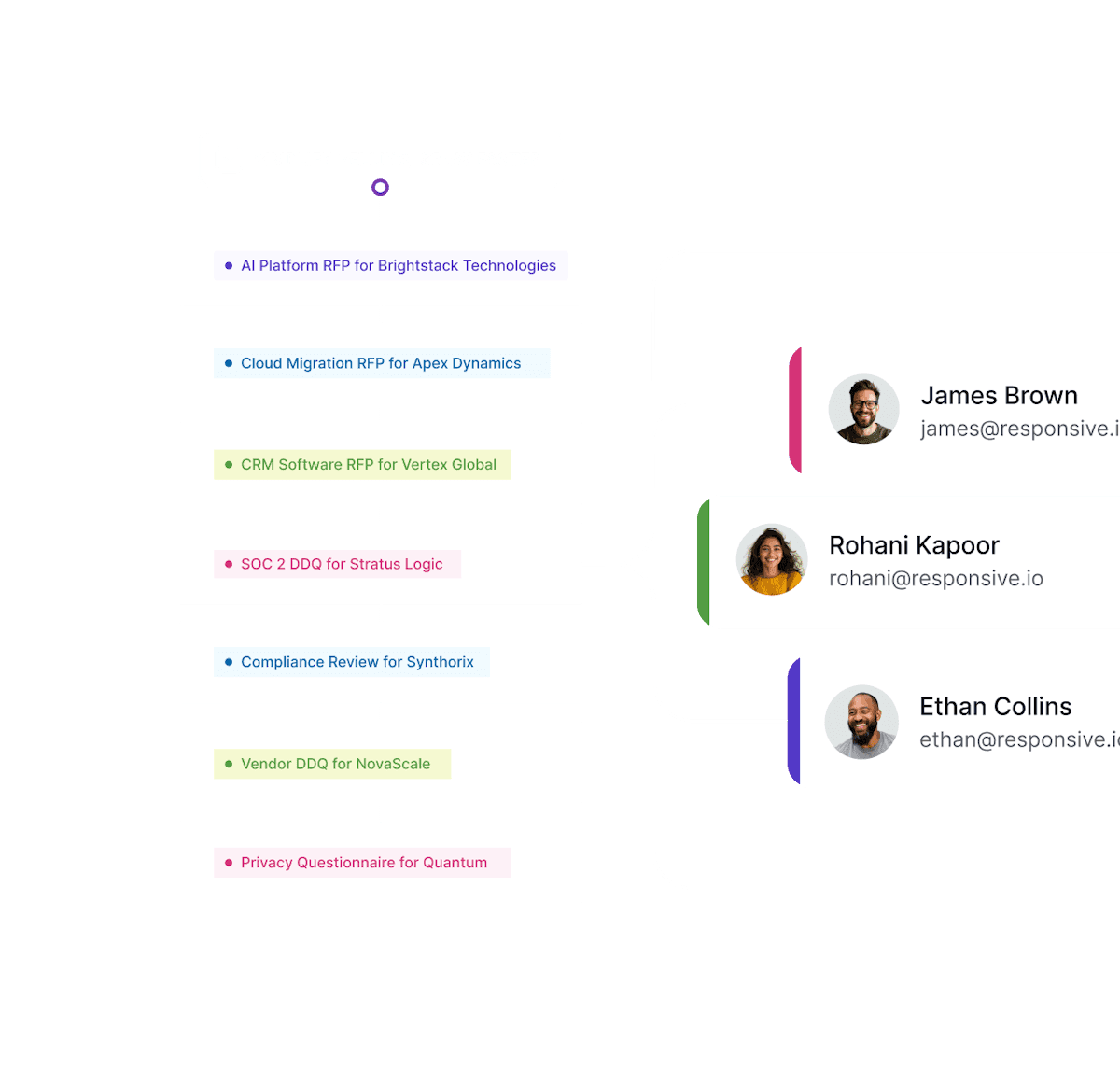
Official Responsive product visual used on its security questionnaire and response management pages.
Who should use Responsive?
Use cases
Where Responsive is most useful.
Security questionnaire response
Use approved security content and AI-assisted workflows to intake, draft, review, and complete VSQs, SIG, VSAQ, CAIQ, VSA, NIST 800-171, and CIS Controls questionnaires.
Strategic response management
Manage broader RFP, proposal, sales, and questionnaire response work with centralized content and cross-functional collaboration.
Buyer self-service through Profile Center
Use Profile Center as a trust-center-adjacent way to share answers and reduce inbound questionnaire volume before a formal VSQ arrives.
Teams
Teams and users
The people most likely to use the product during questionnaires, RFPs, assessments, and customer security reviews.
Response managerManager or director / Proposal / response operations
Coordinates response projects, content governance, AI workflows, collaborators, and reporting.
Security reviewerPractitioner / Security / compliance
Reviews AI-drafted answers, validates outliers, and keeps approved questionnaire content current.
Sales engineerSales or solutions / Sales engineering
Uses Profile Center, content library answers, and AI-assisted workflows to reduce security-response turnaround.
How Responsive handles a response project
Centralize approved content
Security and response teams maintain approved questionnaire content and supporting materials.
Intake buyer questionnaire
Responsive supports intake for Word, Excel, PDF, and response workflows.
Draft and score answers
Responsive AI agents draft responses and surface confidence or trust signals such as TRACE Score.
Review exceptions
Security SMEs validate outliers, low-confidence answers, and claims that need current evidence.
Publish or reuse
Finished work feeds future response content and may support Profile Center self-service.
Features to test in a demo
Responsive AI Agents
Responsive AI agents are positioned to automate intake, draft responses, analyze questionnaires, and support outlier questions.
- Security teams should test whether agents stay inside approved content and how exceptions are routed.
- Advanced AI features may vary by edition or early-access status, so packaging matters.
Profile Center
Profile Center is Responsive’s trust-center-adjacent surface for sharing security answers before a questionnaire arrives.
- Evaluate access controls, document sharing, analytics, and whether Profile Center integrates with questionnaire response content.
Integrations and customer examples
Integrations
Connections to source documents, review tools, customer portals, and sales systems.
CRM connectorsCRM
Pricing materials reference CRM integration connectors; verify Salesforce/HubSpot scope.
Slack / Microsoft TeamsCollaboration
Communication-app support should be confirmed by edition and connector package.
Cloud storageDocument storage
Integration connector category listed publicly; verify Google Drive, SharePoint, and Box scope.
Microsoft Office and Google workspace filesDocument workflow
Current integration materials reference Word, Excel, PowerPoint, Outlook, Google Sheets, and productivity workflows.
Responsive on ChatGPTOther
Current integration materials reference an LLM connector; verify AI data terms and edition availability.
API ConnectorAPI / webhook
Responsive references native integrations and APIs; confirm edition, rate limits, and premium connector gates.
Technical features
APIs and AI tooling
Features to ask about if APIs or AI tooling matter to your team.
Responsive AI AgentsAsk which agents are included in your edition, which are early access, and how each agent is constrained to approved sources. ->
Responsive positions AI agents as task automation for intake, drafting, analysis, and response workflows.
TRACE ScoreAsk what TRACE Score measures, whether it is source-grounded, and whether it can be audited or configured by security teams. ->
Responsive describes TRACE Score as an added confidence signal for answers, which could help reviewers prioritize validation work.
Agent Studio and ChatGPT connectorAsk whether Agent Studio, Responsive on ChatGPT, browser extensions, API access, and premium connectors are included in your edition. ->
Current Responsive materials reference custom no-code agents and a ChatGPT connector rather than earlier bring-your-own model packaging language.
Customer stories
Results reported by Responsive
These results come from Responsive case studies. Ask customer references whether they saw similar results.
Responsive customer review baseUse only as directional market proof unless specific reviews or case studies are separately reviewed. ->
Responsive publishes third-party review-count and rating claims on its security questionnaire page.
Compare Responsive with alternatives
What to compare
Responsive
Loopio →Conveyor →Best for
Response teams managing RFPs, proposals, and security questionnaires in one platform.Loopio helps proposal and response teams manage RFPs, due diligence, security questionnaires, approved answers, and expert review.Conveyor helps security and customer trust teams answer questionnaires, run a trust center, respond to RFPs, and complete work in customer portals.Test in a demo
Shortlist Responsive if your team wants security questionnaire automation inside a broader response-management platform.Test your questionnaire, integrations, and setup requirements.Test your questionnaire, integrations, and setup requirements.Buyer checklist
Demo
What to test in a Responsive demo
Responsive should prove AI assistance, content governance, and trust scoring on a real questionnaire, not only in a polished proposal workflow.
Approved-source boundary
Ask Responsive AI to answer a question that is not in the approved content library and confirm whether it refuses, escalates, or drafts unsupported language.
TRACE Score behavior
Compare high-score and low-score answers, then ask what source evidence and review logic produced the score.
Profile Center deflection
Ask how Profile Center reduces inbound VSQs and how access, NDA gates, documents, and analytics work for prospects.
Verify before buying
Claims to verify before purchase
Responsive has public plan structure, but exact pricing and advanced AI packaging require confirmation.
Edition and feature gates
Confirm whether Agent Studio, TRACE Score, Ask, Trust Center/Profile Center, Responsive on ChatGPT, integrations, browser extensions, and API connectors are included or add-ons.
Security governance
Confirm audit logs, role permissions, source approvals, stale-content controls, and model/data handling.
What isn’t publicly documented
Confirm these items directly during procurement.
ItemPublic statusWhat to confirm
Buyer portalsBrowser extensions are referenced by edition; test your portals.
Partial / indirect
SSO / SCIMConfirm SSO/SCIM availability by edition.
Verify with vendor
Multilingual supportConfirm language coverage by edition.
Verify with vendor
EU data residencyConfirm hosting regions for your contract.
Verify with vendor
Zero data retentionAsk for the current contractual retention terms.
Verify with vendor
No-training commitmentConfirm whether customer data trains vendor or third-party models.
Verify with vendor
Full library exportTest export fidelity and ask how the content library exports if you leave.
Verify with vendor
Company information
Responsive is a strategic response management software company founded in 2015 as RFPIO by Ganesh Shankar, AJ Sunder, and Sankar Lagudu, headquartered in Beaverton, Oregon. The company rebranded from RFPIO to Responsive in 2023 and focuses on RFPs, questionnaires, proposals, content libraries, AI-assisted response workflows, and cross-functional collaboration. Company-profile details should be treated as point-in-time context.
Company snapshot
Founded2015
HeadquartersBeaverton, OR
Company typePrivately held
FoundersGanesh Shankar, AJ Sunder, Sankar Lagudu
Questions to ask Responsive
Ask these questions in the Responsive demo, then test the answers with your own content and approval process.
- Does the product answer customer requests, send vendor assessments, or both?
Responsive mainly helps your team answer customer requests, including RFPs and security questionnaires. It is not designed to send risk assessments to your suppliers.
- Can every AI-drafted answer be traced to its source?
Responsive says drafted answers use source material. In the demo, open several citations and test what happens when sources conflict or go out of date.
- Which questionnaire files and customer portals can it handle?
Responsive documents file and customer portal support. Test a real spreadsheet, PDF, and difficult portal before buying.
- Which standard and custom questionnaires does it support?
Responsive documents SIG, CAIQ, and VSA support. Confirm the versions and import one of your custom forms during the demo.
- Does it include buyer-side vendor risk assessment?
Responsive is not primarily a buyer-side vendor risk product. If you need to score suppliers before sending assessments, evaluate that separately.
- Can its trust center prevent repeat questionnaires?
Responsive does not list a trust center as a core feature. If customer self-service matters, compare it with products that include one.
- How does review, approval, answer ownership, and audit history work?
Responsive documents review and approval controls. In the demo, test a low-confidence answer, expert assignment, final approval, and the audit record.
- Does it connect to the systems your team already uses?
Responsive lists 6 integrations across CRM, collaboration, document storage, document workflows, other systems, and APIs and webhooks. Examples include CRM connectors, Slack / Microsoft Teams, Cloud storage, Microsoft Office and Google workspace files, and Responsive on ChatGPT. Confirm what each connection can do, whether API work is required, and which plans include it.
- How are reused answers updated when policies, reports, or products change?
Responsive documents controls for maintaining source content. Ask who updates policies, SOC 2 reports, subprocessors, and product details—and whether those changes reach every reused answer.
FAQ
Is Responsive a security questionnaire-only product?
No. Responsive is a broader strategic response management platform with a security questionnaire automation use case.
What is Profile Center?
Responsive describes Profile Center as a dynamic trust-center-like surface that helps buyers find answers before a vendor security questionnaire arrives.
What should buyers verify?
Verify edition-specific AI features, approved-source boundaries, TRACE Score explainability, integrations, API access, and security controls.
Disclosure: This page is not sponsored. We do not accept payment to change our findings or recommendations.